



















Marketo Migration Without the Mayhem: How to Move Fast, Keep Data, and Accelerate Revenue
Migrating your marketing automation platform can feel like replacing an aircraft’s engine mid-flight—complex, high-stakes, and fraught with risk. But for many marketing and operations leaders, it’s a strategic necessity. Whether consolidating systems, integrating with Adobe, or upgrading capabilities, switching to Marketo Engage must be done with precision—and purpose.
In this article, we’ll walk you through a proven migration strategy: one that preserves your performance history, prevents common pitfalls, and sets your organisation up for scalable growth. Most importantly, we’ll show how JTF ensures your migration delivers revenue, not rework.
Quick answer:
A successful Marketo migration demands technical expertise, clean data, and strategic alignment across marketing and RevOps teams. JTF’s methodology helps make that happen.
What Is Marketo Migration?
Marketo migration refers to the process of moving your marketing operations—data, assets, workflows—from your current automation platform (or another Marketo instance) into a new, optimised Marketo Engage environment. This isn’t just a technical project—it’s an operational reset with serious revenue implications.
Why businesses migrate:
- Current MAP lacks scalability or advanced features
- Organisation is consolidating platforms
- CRM is changing (e.g., to Salesforce or Dynamics)
- Need better analytics, engagement and integration
Core capabilities Marketo offers:
- Advanced lead nurturing and engagement programs
- Granular CRM integration
- Powerful segmentation and personalisation
- Multi-touch attribution and ROI reporting
- Centralised campaign management
- Scalable, enterprise-ready architecture
Planning a Successful Marketo Migration
JTF’s experience has shown that successful migrations hinge on more than moving data—they require orchestration across teams, platforms, and processes.
Stakeholder Alignment
Involve Marketing, Sales, IT and RevOps early. Define goals and KPIs.
Data Audit and Cleanup
Remove duplicates, standardise fields, and map legacy data to Marketo formats.
Asset Inventory
Identify which campaigns, forms, emails and workflows to rebuild or migrate.
Integration Mapping
Ensure compatibility with Salesforce, Dynamics, CMS platforms, and CDPs.
Migration Strategy
Choose between a “lift-and-shift” or rebuilding for optimal performance and scalability.
Change Management
Prepare teams for platform changes, provide training, and drive adoption through enablement.
Common Pitfalls to Avoid
Migration can go wrong in several predictable—and preventable—ways.
Migrating Dirty Data
If it’s broken in your current platform, it’ll be broken in Marketo. Clean first.
Overlooking Integration Dependencies
Missing syncs between CRM, CMS, and CDP can create chaos.
Underestimating Training Needs
Marketo is powerful but complex. Teams need support to succeed post-migration.
Skipping Testing and Validation
Validate workflows, lead scoring, and form logic before go-live.
Rushing the Rollout
Quick migrations risk campaign disruption and stakeholder resistance. Go fast, but never sloppy.
Fast-track your Marketo transition
Your Migration Companion: The Marketo Migration Checklist
This downloadable guide is your tactical blueprint for a smooth, efficient transition:
- Audit and clean your data before migration
- Map integrations across CRM, CMS, and CDP platforms
- Validate workflows and campaign logic
- Prepare for go-live with confidence
Core Marketo Features JTF Supports
JTF helps unlock Marketo’s full potential—fast.
Engagement Programs
Design and build scalable nurture tracks with dynamic, behaviour-based content.
CRM Integration
Connect Salesforce, Dynamics, and custom CRMs for seamless data flow.
Lead Scoring and Routing
Automatically qualify leads and route them to the right reps.
Personalisation and Segmentation
Deliver relevant messages based on behavioural and demographic data.
Analytics and Reporting
Track campaign performance, lead velocity, and ROI in real-time.
Program Templates and Tokens
Streamline campaign creation with reusable building blocks.
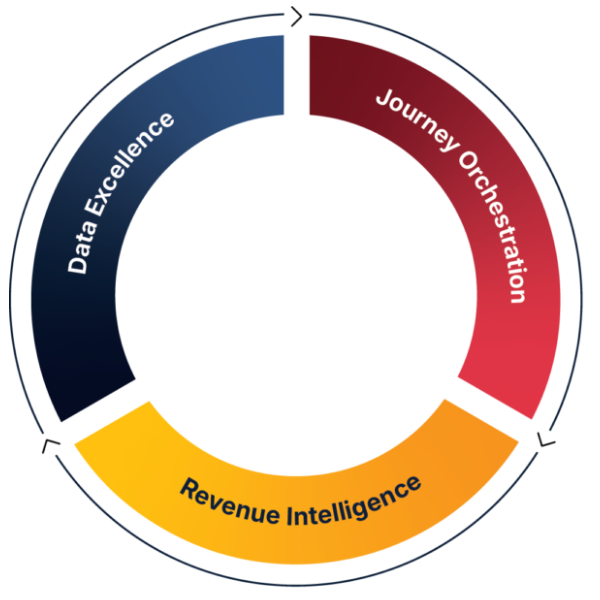
JTF’s Revenue Acceleration Loop
Why JTF for Marketo Migration
Migrating platforms is one thing. Accelerating revenue while doing it is another.
JTF brings strategic firepower to every migration:
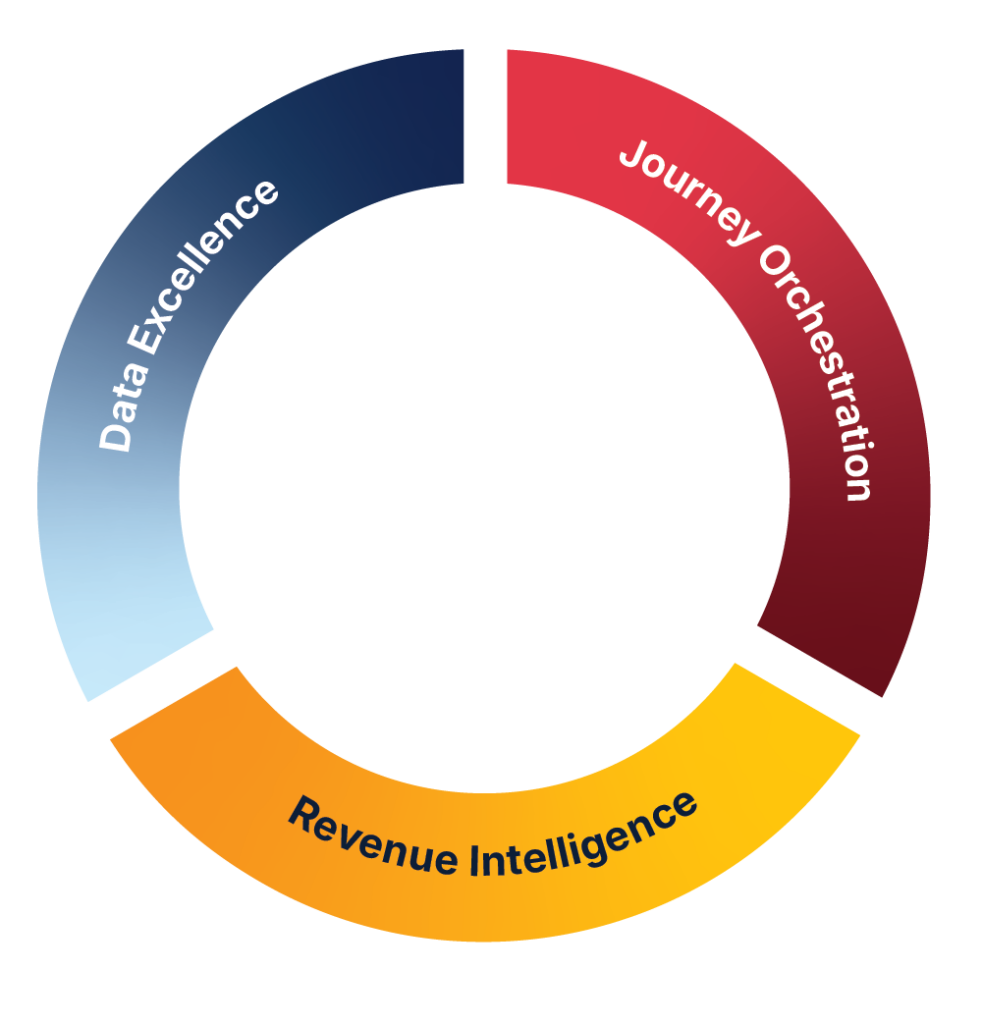
- Proven Methodology: JTF’s Revenue Acceleration Loop ensures your migration aligns with business goals—not just technical requirements. It’s more than a framework—it’s a strategy for growth. Explore the Loop →
- Adobe Expertise: As specialists in Marketo Engage and Adobe integrations, JTF knows the nuances that drive performance.
- Migration Experience: Successful migrations across industries, CRMs, and platforms.
- Revenue Focus: JTF isn’t just a tech partner—they’re a growth partner focused on ROI and long-term success.
JTF’s Migration Services
Migrating to Marketo Engage involves a lot of moving parts, from system architecture to campaign data and user access. JTF’s migration support is designed to simplify that process and help teams transition confidently. Whether you’re updating legacy systems or moving from a different platform, the goal is to minimise disruption and make sure your MarTech stays aligned.
JTF’s Migration Services
- Migration Planning and Strategy: Discovery workshops, scope definition, and roadmapping
- Data and Asset Migration: Clean, structure, and move historic and active campaigns
- Integration Setup: Connect CRM, CMS, CDP and other MarTech systems
- Testing and Validation: Sandbox testing, QA, and performance validation
- Post-Migration Optimisation: Training, enablement, and ongoing support to maximise ROI
Frequently Asked Questions
It’s the process of transferring marketing data, assets, and workflows into Marketo Engage—either from another MAP or from another Marketo instance.
Typically 4–12 weeks depending on project scope, integrations, and data complexity.
Yes—but it may require specialised scripts or connectors. JTF has deep experience migrating historic data safely.
User permissions, cookies, and some behavioural history need special handling.
Yes. DIY migrations often lead to data loss, broken integrations, and costly rework. JTF helps you get it right the first time.
SPEAK TO SOMEONE WHO ACTUALLY GETS IT.
Need help?
No fluffy sales pitch. No pressure. Just straight-talking marketing technologists who live and breathe Adobe. Whether you’re planning a rollout or fixing what’s not working, we’re here to help you get the most from your stack. So go on, don’t be shy!
You’ll talk to a consultant, not a salesperson.