



















Stop Wasting Time—Build Smarter with Marketo Email Templates
Email is still the backbone of B2B marketing—but building emails in Marketo can be slow, clunky, and inconsistent. If your team is stuck editing old code or rebuilding layouts from scratch, you’re not just wasting time—you’re losing leads.
This article explores how Marketo email templates can transform your email production workflow, improve brand consistency, and unlock campaign performance. You’ll learn what templates can do, why most fail, and how JTF helps teams build scalable, high-impact email systems.
Quick answer:
Marketo email templates are reusable, brand-aligned layouts that streamline email creation, reduce errors, and improve campaign performance.
What Are Marketo Email Templates?
Marketo email templates are pre-built layouts that allow marketers to quickly create emails by updating content blocks—without touching code.
Core capabilities:
- Drag-and-drop editing with Adobe’s new Email Designer
- Reusable components for faster production
- Brand consistency across campaigns
- Governance and user permissions
- Support for fragments and modular design
- Compatibility with approval workflows
Why Marketo Email Templates Matter More Than You Think
Email templates aren’t just about aesthetics—they directly impact the speed, consistency, and effectiveness of your campaigns. When overlooked or poorly implemented, they become a silent drag on marketing performance.
Here are the key pain points Marketo email templates solve:
- Time-Consuming Builds
Without templates, marketers often rebuild layouts from scratch, wasting hours on manual editing and formatting for each email. - Inconsistent Branding
Lack of reusable styles leads to emails that vary in font, colour, layout, and tone—diluting brand trust and recognition. - Code and Rendering Issues
Poorly coded emails break across devices, appear unprofessional, or fail to load altogether. Templates resolve this by enforcing clean, tested structures. - Error-Prone Processes
Manual editing increases the likelihood of broken links, typos, formatting errors, and version mismatches—especially in multi-team environments. - Slow Campaign Deployment
Production bottlenecks delay launch cycles, especially when teams rely on developers or designers for each email. - Limited Scalability
As your campaign volume grows, inconsistent email creation becomes unmanageable. Templates allow for fast duplication, easy updates, and smoother workflows
Done right, your CRM Integration won’t just function—it’ll fuel automation, targeting, and revenue insights across teams.
What JTF Helps You Implement
JTF specialises in transforming email workflows—making every send faster, cleaner, and more aligned.
Drag-and-Drop Editing
Build emails with intuitive tools—no dev support needed.
Modular Layouts
Use blocks and fragments for fast, repeatable campaign creation.
Brand Kits & Themes
Apply your fonts, colours, and styles automatically across every send.
Governance Controls
Set permissions and workflows to minimise errors and safeguard compliance.
Content Approval Workflows
Structure team roles for efficient reviewing and publishing.
Template Migration Support
Seamlessly shift from classic to modern editors—without disruption.

Learn best practices
Webinar on Demand: Mastering Marketo Email Templates
Whether you’re new to Marketo or refining your email strategy, this session walks through the fundamentals of template-based email creation—along with real-world examples and direct Q&A.
You will learn:
- Common template challenges and how to overcome them
- What makes an email template truly effective
- A live walkthrough of a sample template
- Expert answers in an interactive Q&A session
JTF Services for Marketo Email Templates
JTF provides end-to-end support for email template strategy, including:
Services include:
- Audit of existing templates and performance
- Design and build of custom templates
- Migration to Adobe’s new Email Designer
- Setup of governance and approval workflows
- Enablement and training for marketing teams

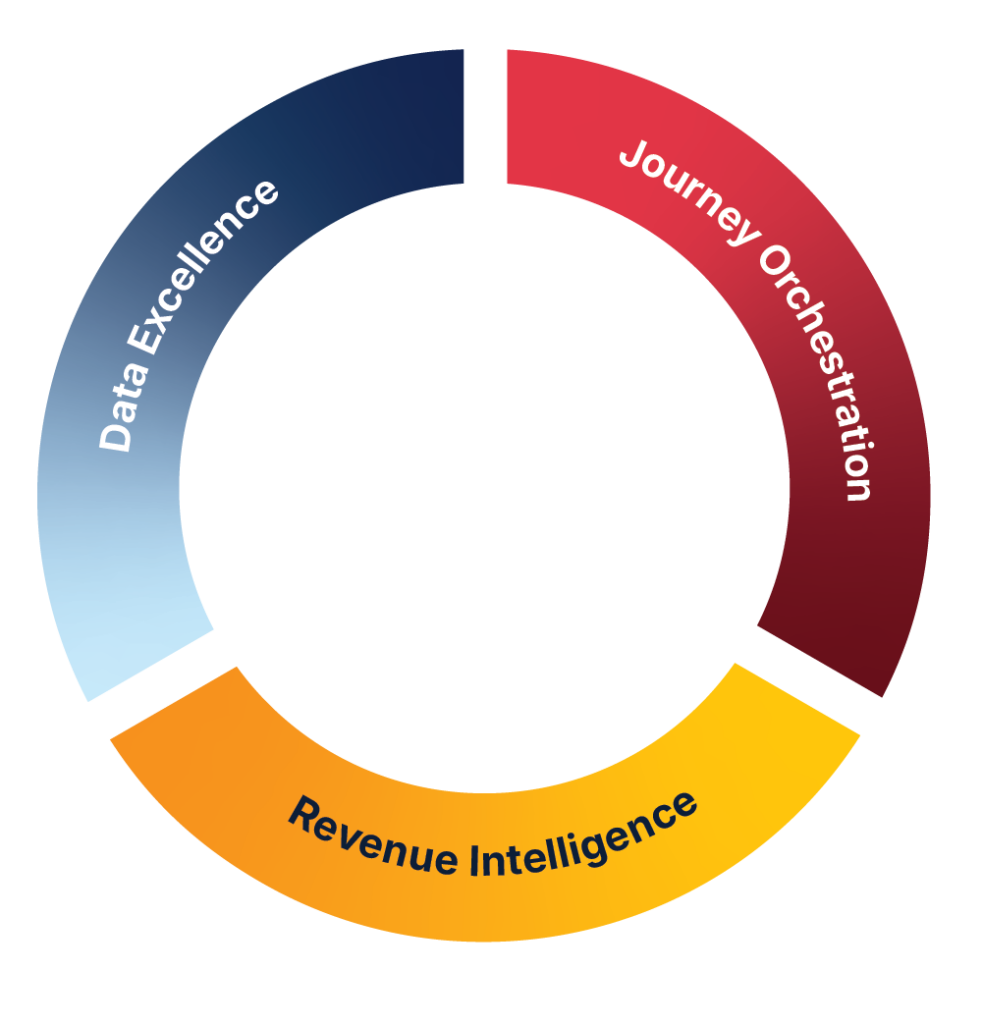
JTF Revenue Acceleration Loop
Why Choose JTF for Your Marketo Email Template Strategy?
JTF doesn’t just build templates—they design scalable systems that align with your brand, goals, and governance needs.
Key Proof Points:
- Experts in Adobe’s new Email Designer and IMS migration
- Proven time savings: 15-minute email builds
- Custom templates built for performance and usability
- Governance and approval workflows to protect brand integrity
- Strategic alignment with Revenue Acceleration Loop
Conclusion
Marketo email templates aren’t just a convenience—they’re a strategic asset. When built correctly, they save time, reduce errors, and elevate your brand across every campaign. But most templates fall short—riddled with code issues, poor formatting, and inconsistent branding.
JTF helps B2B marketing teams build smarter. From template audits to full-scale migration, their experts design systems that scale, perform, and align with your goals. Whether you’re preparing for Adobe’s new Email Designer or just want to streamline your workflow, now’s the time to act.
Frequently Asked Questions
Fragments are reusable content blocks that replace snippets—offering more flexibility and control.
With well-designed templates, email creation can take as little as 15 minutes.
Yes—JTF builds templates aligned to your brand guidelines and campaign goals.
Absolutely. JTF ensures compatibility and helps teams migrate smoothly.
JTF offers audits and rebuilds to fix code issues, formatting errors, and usability gaps.
SPEAK TO SOMEONE WHO ACTUALLY GETS IT.
Need help?
No fluffy sales pitch. No pressure. Just straight-talking marketing technologists who live and breathe Adobe. Whether you’re planning a rollout or fixing what’s not working, we’re here to help you get the most from your stack. So go on, don’t be shy!
You’ll talk to a consultant, not a salesperson.