
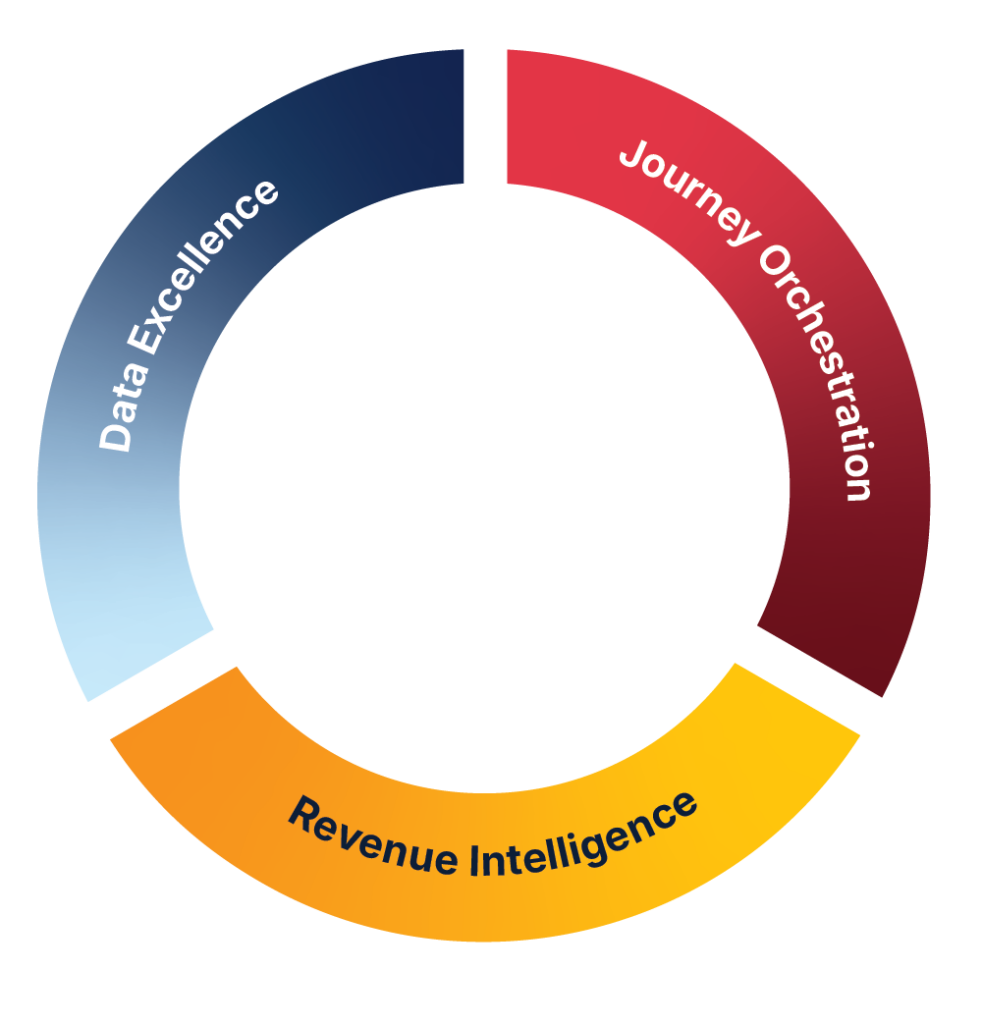



















Marketo Landing Page Templates: Build Smarter, Convert Faster
Landing pages are the unsung heroes of B2B demand generation. They’re where interest turns into action, where leads are captured, and where conversion rates are won or lost. But for marketing operations teams using Marketo Engage, building landing pages from scratch for every campaign is inefficient, inconsistent, and often frustrating.
That’s where Marketo landing page templates come in. These reusable, scalable assets allow teams to launch campaigns faster, maintain brand consistency, and optimise performance—without relying on developers for every update.
In this article, we’ll explore what makes a high-performing Marketo landing page template, common challenges marketers face, and how JTF helps teams build modular, responsive, and conversion-ready templates that accelerate revenue.
Quick answer:
Marketo landing page templates streamline campaign creation, improve conversion rates, and reduce production time—especially when built with modular design and tested for responsiveness.
What Are Marketo Landing Page Templates?
Marketo landing page templates are reusable layouts built within Marketo Design Studio. They serve as the foundation for campaign-specific landing pages, allowing marketers to quickly spin up new pages without starting from scratch.
Why Templates Matter
- Faster campaign deployment
- Consistent branding across assets
- Reduced reliance on developers
- Easier testing and optimisation
- Built-in support for responsive design and dynamic content
Templates aren’t just a time-saver—they’re a strategic tool for scaling demand generation.
What Makes High-Performing Marketo Landing Page Templates?
Not all templates are created equal. The best-performing ones are built with flexibility, responsiveness, and conversion in mind.
Modular Design
Templates should be built with interchangeable sections—hero images, CTAs, testimonials, forms—so marketers can tailor each page to its purpose without breaking layout or design.
Responsive Layouts
Mobile-first design is non-negotiable. Like email templates, landing page templates must render correctly across devices and browsers, with flexible grids and adaptive content blocks.
Form Styling and Functionality
JTF builds templates with embedded CSS that ensures consistent form styling. Features like sliders, progressive profiling, and single-button registration for known visitors are built into the template, not bolted on later.
Dark Mode Compatibility
Dark mode is no longer optional. JTF designs templates that adapt to dark mode displays, preserving readability and brand integrity across email clients and browsers.
Personalised Experiences for Known Visitors
Using Marketo’s “If known visitor” logic, JTF templates can show tailored content and reduce form fatigue. This creates a smoother experience for repeat visitors and boosts conversion.
Build Smarter, Not Just Prettier
Designing a visually appealing landing page is only half the battle. To truly drive performance, your Marketo Program Templates need to balance conversion-focused UX with intelligent data capture, scalable personalization, and continuous optimization.
Data Collection Without Killing Conversion
- Limit Form Fields: Ask only for what you need—3 to 4 fields max.
- Progressive Profiling: Collect more data over time, not all at once.
- Pre-fill for Known Visitors: Reduce friction by auto-filling known data.
- Lead Routing Integration: Connect forms to your CRM or calendar for instant meeting booking.
Dynamic Content: Personalisation at Scale
- Segment-Based Content: Tailor messaging by industry, job title, or region.
- Fallback Defaults: Always set default content to avoid blank sections.
- Token Integration: Use Marketo tokens for deeper personalisation, like company name or location.
Test, Analyse, Optimise
- A/B Testing: Try different CTAs, layouts, and copy to see what converts best.
- Heat Mapping: Track where users click, scroll, and drop off. Use this data to refine your design.
- Iterate Quickly: Don’t wait for perfect—launch, learn, and improve.

Extend Your Template Strategy
Webinar on Demand: Master Email Templates in Marketo
Building high-converting Marketo landing pages is just one part of the puzzle. To truly scale your campaigns, your email templates need to be just as polished, responsive, and easy to manage.
If you want to take your template strategy even further, our on-demand webinar—Master Email Templates in Marketo—is available below.
You will learn:
- Common mistakes marketers make—and how to avoid them
- A live walkthrough of a high-performing email template
- Tips for improving responsiveness and usability
- Real-world Q&A to address practical challenges
Common Pitfalls That Sabotage Marketo Landing Page Templates
Even seasoned marketers can fall into traps that hurt performance. Marketo offers powerful tools, but missteps in execution can lead to poor conversion rates, wasted ad spend, and frustrated users. Here are some of the most frequent mistakes—and how to fix them:
Overcomplicating the Form
- Mistake: Asking for too much information upfront (e.g., 6+ fields)
- Fix: Stick to essentials. Use progressive profiling to gather more data over time.
Ignoring Mobile Optimization
- Mistake: Designing for desktop only, leading to clunky mobile experiences
- Fix: Use responsive templates and test across devices. Mobile-first isn’t optional anymore.
Forgetting Thank You Pages
- Mistake: Not redirecting users after form submission, leaving them in a dead-end
- Fix: Always include a thank you page with next steps, resources, or meeting links.
Poor Token Usage
- Mistake: Failing to personalize with tokens, or using them incorrectly (e.g., blank fields)
- Fix: Always set fallback values and test token rendering before launch.
Skipping A/B Testing
- Mistake: Launching one version and hoping for the best
- Fix: Test headlines, CTAs, layouts, and images to find what resonates.
No Clear CTA
- Mistake: Multiple competing CTAs or vague messaging
- Fix: Make your primary CTA bold, clear, and action-oriented. One page, one goal.
Not Syncing with CRM
- Mistake: Leads get stuck in Marketo without routing to sales
- Fix: Integrate with your CRM or calendar to enable instant follow-up.
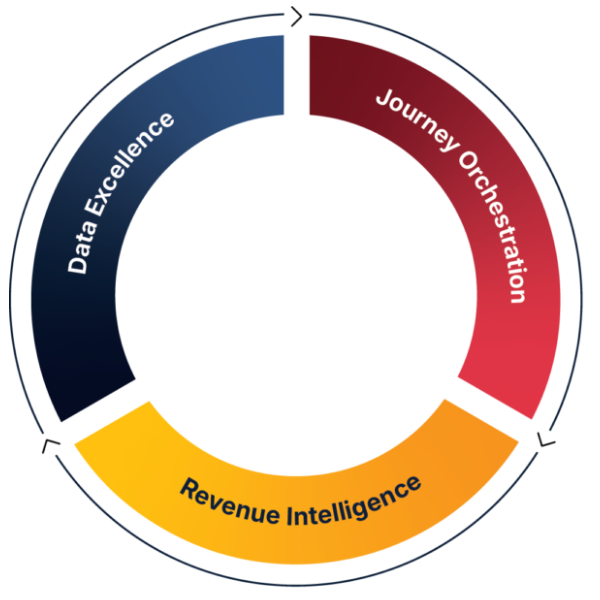
JTF Revenue Acceleration Loop
How can JTF help with your Marketo Landing Page Templates?
JTF isn’t just a Marketo implementation partner—we’re your strategic ally in Revenue Acceleration.
Revenue Acceleration Loop: Our proprietary methodology ensures every campaign drives measurable growth.
Adobe Marketo Engage Experts: Deep platform knowledge, from strategy to execution.
Custom Design & Development: In-house team builds templates aligned to your brand and goals.
Campaign Execution & Analytics: We don’t just build—we optimise.
Conclusion
Marketo landing pages are more than just a destination—they’re a conversion engine. But without the right template, even the best campaign can fall flat.
From modular design and responsive layouts to dynamic content and heat mapping, the right template makes all the difference. JTF helps B2B marketers build landing page templates that are fast, flexible, and optimised for performance
Frequently Asked Questions
Yes. You can insert a share code that autoplays when the page loads.
Absolutely. JTF builds styling directly into templates for consistency and ease.
Yes. We test across clients and browsers to ensure dark mode compatibility.
Yes. We use Marketo’s “If known visitor” logic to streamline the experience.
We do. But we recommend a quick call to tailor the template to your goals.
SPEAK TO SOMEONE WHO ACTUALLY GETS IT.
Need help?
No fluffy sales pitch. No pressure. Just straight-talking marketing technologists who live and breathe Adobe. Whether you’re planning a rollout or fixing what’s not working, we’re here to help you get the most from your stack. So go on, don’t be shy!
You’ll talk to a consultant, not a salesperson.