
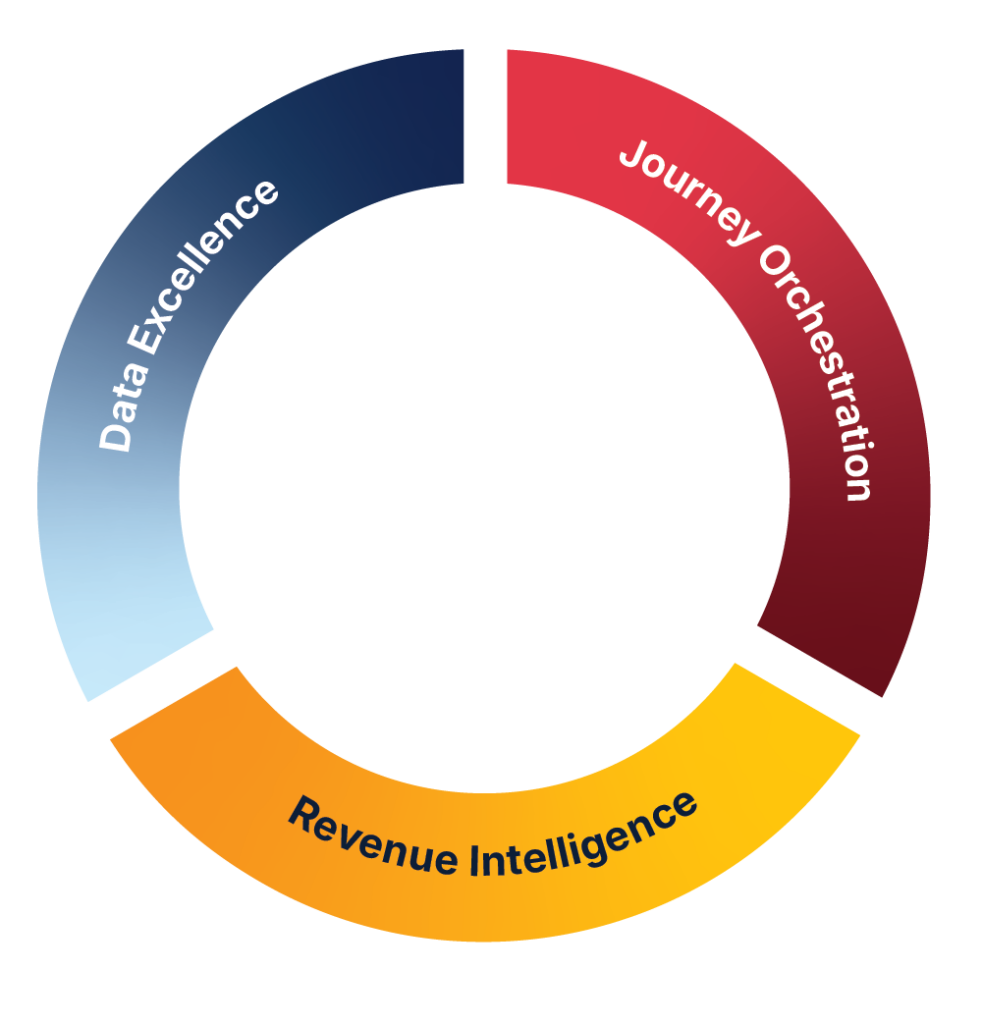



















Marketo CRM Integration That Actually Works. Fix Your Sync, Fuel Your Pipeline.
Integrating your marketing automation system with CRM should be a force multiplier—not a daily headache. Yet B2B marketers across RevOps, demand gen, and marketing leadership face persistent CRM Integration issues, such as sync issues, misaligned data, and slow lead flow
This article will show you how to overcome common Marketo and CRM integration challenges using practical, expert-backed solutions, tailored for mid-to-enterprise B2B teams.
You’ll learn how JTF approaches CRM integrations with precision, unlocking automation, personalisation, and measurable pipeline impact.
Quick answer:
To integrate Marketo with Salesforce CRM, configure your sync rules, validate field permissions, and align custom object mapping—ensuring data flows accurately across both systems for marketing and sales alignment.
What Is Marketo CRM Integration?
Core Capabilities:
Marketo CRM integration connects your Adobe Marketo instance with your customer relationship management system (e.g. Salesforce) to enable seamless data sharing and campaign automation:
- Real-time lead sync between CRM and marketing
- Enhanced segmentation and targeting
- Campaign-triggering via CRM activity
- Closed-loop reporting for revenue attribution
- Personalised messaging with CRM data
- Streamlined lead handover to Sales
How to Set Up Marketo CRM Integrations That Actually Work
To build a high-performing integration between Marketo and your CRM (like Salesforce), focus on strategy—not just system setup. Here’s a streamlined approach:
- Audit before you sync: Confirm visibility of key fields, define which objects are relevant (e.g. Leads, Contacts, Opportunities), and ensure the sync user has proper permissions.
- Set clear rules: Use Boolean filters and population logic to control which records sync, avoiding unnecessary data flow and bloated license costs.
- Map custom objects: Want to personalise emails using contract or usage data? Connect custom CRM objects to Marketo via defined relationships and naming conventions.
- Enable closed-loop reporting: Sync Opportunities and campaign data to track true pipeline impact across both platforms.
- Define handover stages: Align lead statuses, alerts, and notifications to keep Sales and Marketing working in lockstep.
- Monitor routinely: Check sync logs and error reports monthly to catch data mismatches or permission changes early.
Done right, your CRM integration won’t just function—it’ll fuel automation, targeting, and revenue insights across teams.
6 Common CRM Integration Challenges and How JTF Solves Them
Marketo offers robust capabilities for creating, automating, and reporting on lead scores. Some of the most commonly used features include:
Lead Sync Failures
Fix permission mismatches, sync rule misconfigurations, and stale data blocking lead flow.
Data Discrepancies Between Marketo and CRM
Resolve visibility and logic differences that cause count mismatches across platforms.
Limited Personalisation with CRM Data
Map custom objects like contracts or product usage to power smart segmentation.
Outdated Sync Rules
Implement population rules and custom fields to streamline relevant data flow—and reduce license bloat.
Poor Sales–Marketing Handover
Enable real-time alerts and handoffs that align activity across teams and tools.
Integration Ownership Confusion
Bridge the gap between tech and marketing teams with JTF’s cross-functional support and integration playbooks.

A powerful combination
Webinar on Demand: Maximising your Marketo and Salesforce integration
Marketo and Salesforce are a powerful duo—but only when they’re truly in sync. If your marketing team is still battling sync delays, mismatched data, or underperforming campaigns, this webinar is your shortcut to clarity.
You will learn:
- Common SFDC sync issues and how to fix them
- The correct way to use Marketo programs and SFDC campaigns
- Setting up custom objects and sync rules
What JTF Offers for Marketo CRM Integrations
JTF streamlines your Marketo CRM integration with expert support across setup, syncs, and team training. Whether starting fresh or fine-tuning, we help you unlock smarter, smoother marketing workflows.
Services include:
- CRM audit and integration plan
- Custom object mapping and field syncs
- Sync rule optimisation
- Full integration setup or remediation
- Ongoing personalisation support with CRM data
- Training and enablement for marketing teams
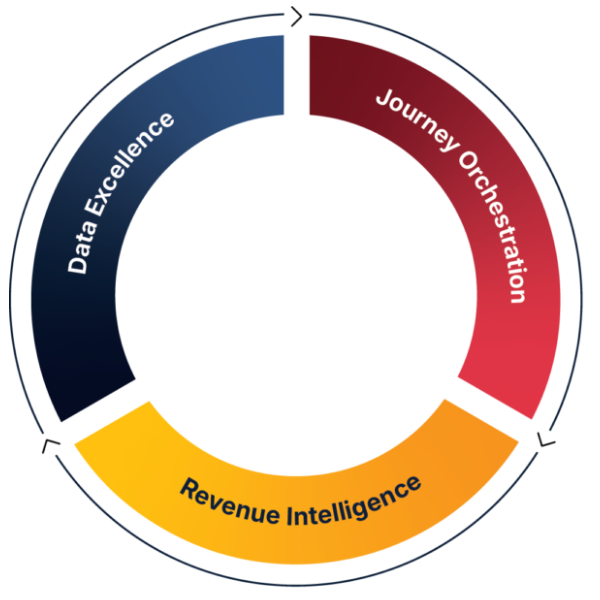
JTF Revenue Acceleration Loop
Why JTF for Marketo CRM Integrations
JTF is a certified Adobe partner with deep technical expertise in Marketo Engage and CRM platforms like Salesforce.
- 100+ CRM integrations delivered
- Experts in custom sync rules and object mapping
- Hands-on remediation for sync, data, and visibility issues
- Deep experience with customised Salesforce instances
- Revenue Acceleration Loop methodology for full-funnel optimisation
Unlike typical consultancies, JTF doesn’t just connect platforms—they help marketers turn their integrations into a compelling revenue narrative.
Conclusion
Marketo CRM integrations aren’t just technical setups—they’re foundational to marketing ROI. Done right, they align your data, scale your campaigns, and accelerate revenue.
JTF’s proven expertise removes the guesswork and ensures your systems are not only connected, but communicating the way your business needs.
Frequently Asked Questions
Sync failures often stem from permission settings, misaligned sync filters, or incorrect lead ownership. JTF helps diagnose and fix these fast.
Yes—with expert mapping and setup, contract or usage data can be linked to Marketo for better targeting.
Timelines vary based on CRM complexity. JTF delivers most integrations in 2–6 weeks depending on scope.
Not necessarily—JTF provides training and manages complex setup so marketing teams can focus on execution.
The methodology ensures integration enhances both lead flow and closed-loop reporting across sales and marketing.
SPEAK TO SOMEONE WHO ACTUALLY GETS IT.
Need help?
No fluffy sales pitch. No pressure. Just straight-talking marketing technologists who live and breathe Adobe. Whether you’re planning a rollout or fixing what’s not working, we’re here to help you get the most from your stack. So go on, don’t be shy!
You’ll talk to a consultant, not a salesperson.