




















What is Marketo Form Pre-Fill?
Marketo form pre-fill is a feature within Adobe Marketo Engage that automatically populates form fields with known data for returning or identified users. For example, if a visitor has previously filled out a form with their name and email, these fields can be pre-filled the next time they visit your site.
Why Pre-Fill Matters for Conversion Rates
When forms are quicker and easier to complete, more visitors submit them. We’ve seen north of 25% increase in conversion rate on downloads and on demand webinars. Pre-filling fields:
- Reduces friction, especially on mobile
- Speeds up the user journey
- Increases form conversion rates
- Improves overall user experience
In B2B marketing, this small optimisation can make a big impact on lead capture and pipeline growth.
How Does Marketo Form Pre-Fill Work?
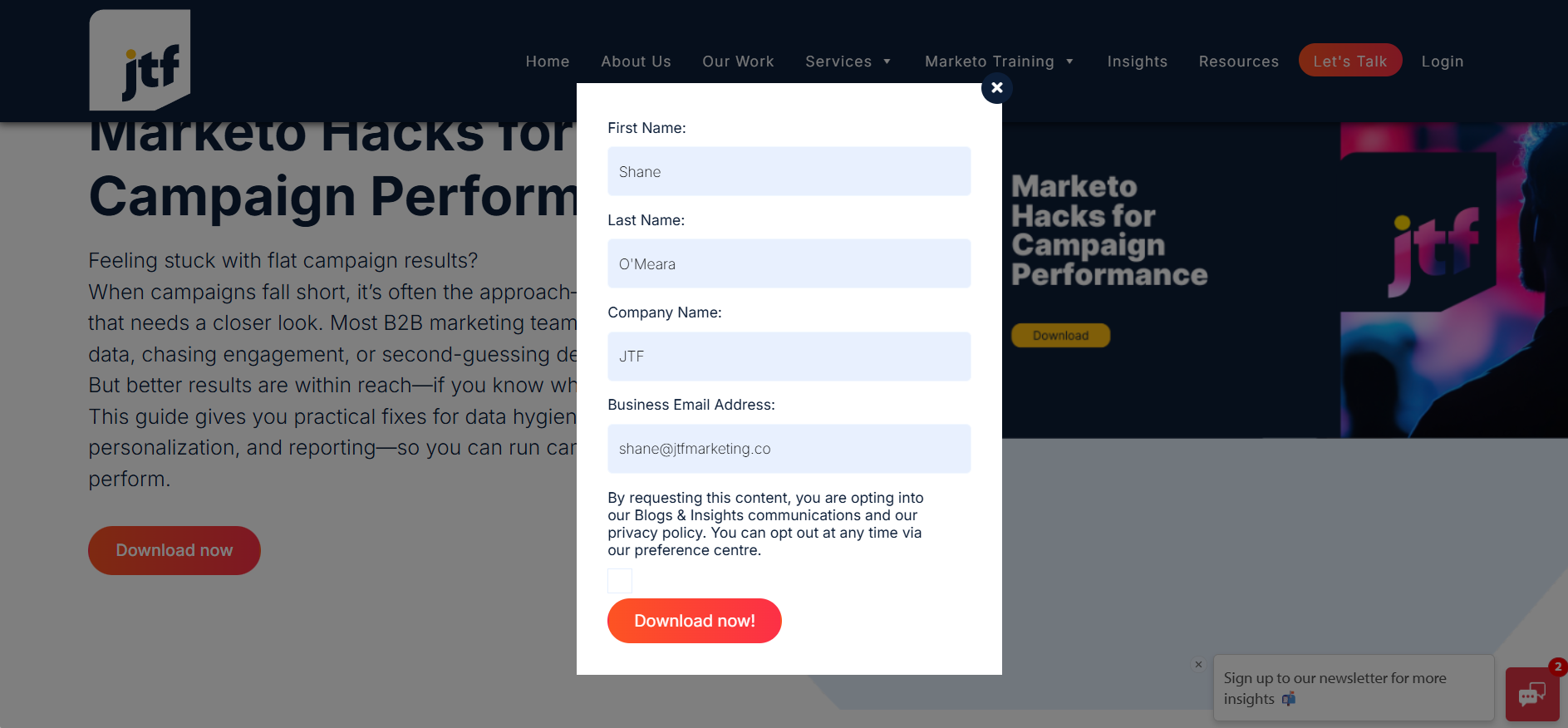
Marketo uses Munchkin cookies to track known users and can pre-fill form fields when:
- The visitor is identified (cookie + known person record)
- The form is placed on a Marketo-hosted landing page (default behaviour)
The catch? Out-of-the-box pre-fill does not work on embedded Marketo forms on non-Marketo pages, such as your corporate site, blog, or partner microsites.
Common Limitations of Marketo Pre-Fill
Here are the typical limitations marketers run into:
- Pre-fill only works on Marketo landing pages by default.
- Pre-fill does not work on embedded forms without additional customisation.
- Cross-domain tracking can break pre-fill.
- Pre-fill is affected by cookie consent and privacy settings.
- Incognito mode or cleared cookies disable pre-fill.
- Certain browsers block third-party cookies, limiting pre-fill functionality.
How to Enable Pre-Fill on Embedded Marketo Forms
To enable Marketo form pre-fill on embedded forms, you need to:
- Implement custom scripts to securely pull known user data.
- Ensure Munchkin tracking is properly configured across your domain(s).
- Handle cross-domain tracking if your site spans multiple domains.
- Respect user privacy and consent frameworks (GDPR / CCPA).
- Test across browsers to ensure consistent behaviour.
Pre-Fill and Privacy: GDPR & CCPA Considerations
It’s crucial to ensure your pre-fill implementation complies with data privacy regulations:
- Display pre-filled data only to users who have given consent.
- Do not pre-fill sensitive personal data without explicit opt-in.
- Provide clear privacy notices on all forms.
- Honour cookie consent banners and settings.
We also recommend using Known Visitor Forms which reduce the exposure of any information – it can simply say ‘Welcome back Steve’

Troubleshooting Marketo Pre-Fill
If your Marketo form pre-fill is not working, check for these common issues:
- Form is embedded on a non-Marketo page without a pre-fill solution.
- Munchkin tracking is misconfigured.
- User is unknown or cookies have expired.
- Cookie consent settings block necessary cookies.
- Recent Marketo updates or form changes broke pre-fill.
- Cross-domain tracking is incomplete.
Our Solution: Pre-Fill Marketo Forms Anywhere
At JTF, we’ve developed a secure script that enables Marketo form pre-fill & known visitor forms on any embedded form—on any page, across any domain. Meaning you can boost your conversion rates in no time.
With our solution you can:
- Seamlessly pre-fill embedded forms on your corporate website
- Improve conversion rates across all devices
- Maintain full compliance with GDPR and CCPA
- Avoid the common limitations of native Marketo pre-fill
- Maximise the power of known-visitor forms
Get Started with Marketo Form Pre-Fill
Want to see how it works?
Contact us to schedule a quick demo and discuss how we can help you optimise your Marketo forms.